Assign a Package to a Patient
Start a patient on one of your clinic's pre-built packages directly from their profile, and see what happens after you assign it.
A package is a pre-built treatment template — medication, schedule, pricing, and consent forms defined once — so you can start a patient on a protocol your clinic already offers in a few clicks.
Where to find it
Open the patient's profile. The profile header has two quick actions: Order Products and Assign a Package.
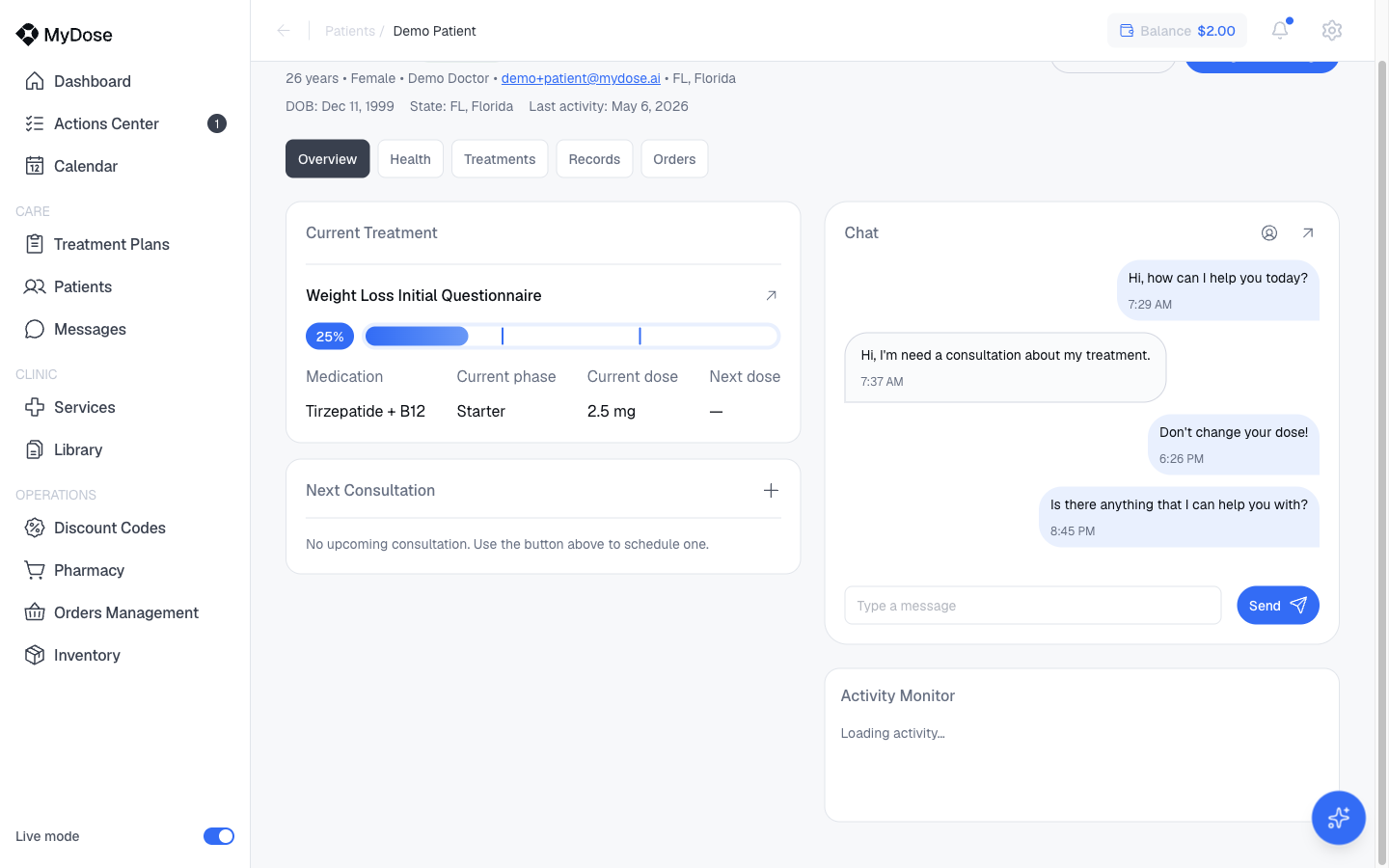
Assigning a package
Open the patient's profile
From the Patients list, select the patient you want to start on a package. New to profiles? See Patient profile.
Select Assign a Package
In the profile header, select Assign a Package (next to Order Products).
Choose a package
Pick the package from your clinic's catalog. Everything the plan needs — medication, dosing schedule, pricing, and consent forms — is already defined on the package.
Review and confirm
Check the details, then confirm. The patient is invited to complete their intake and consents.
Package or custom plan?
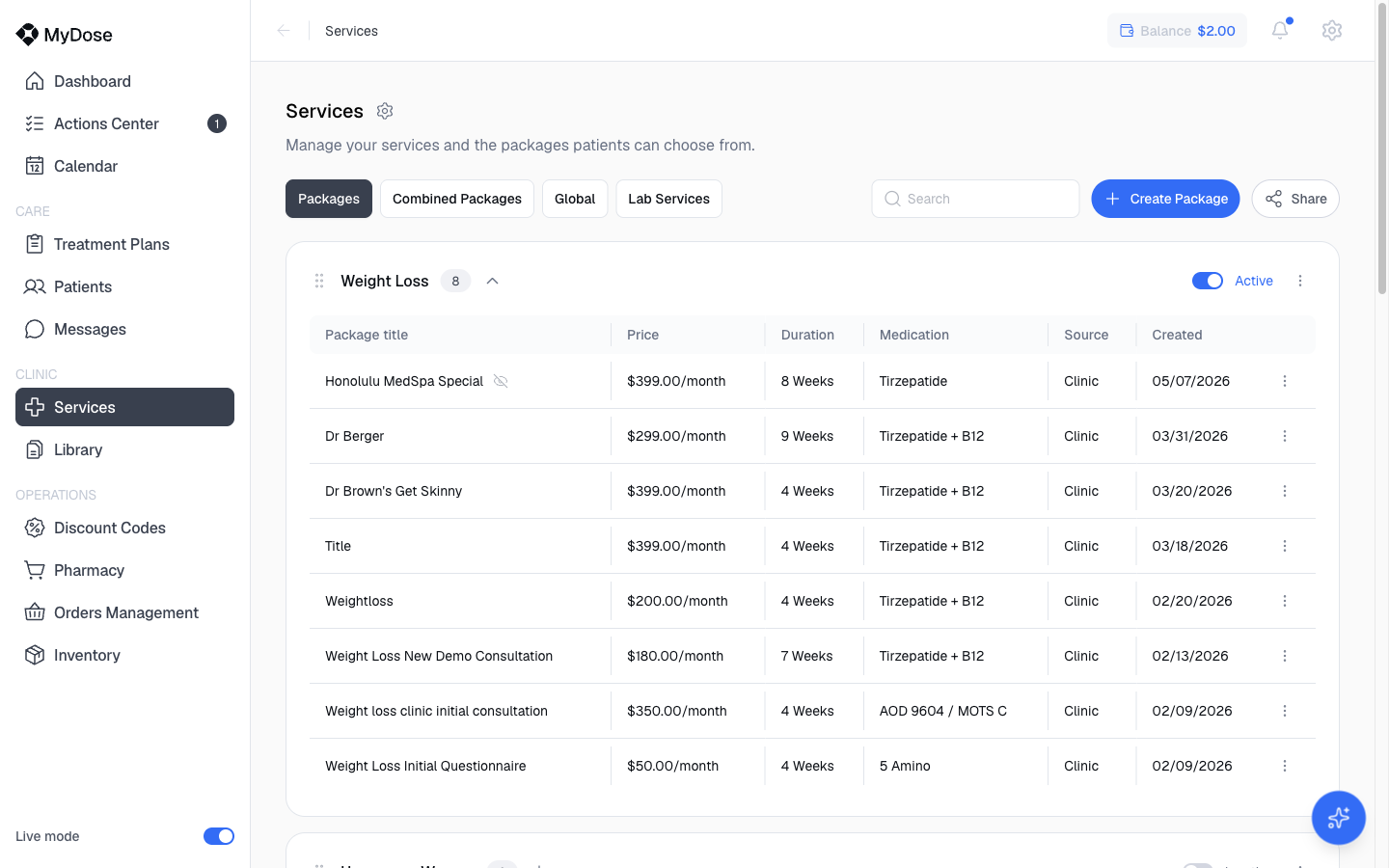
Your packages live in your clinic's services catalog. Assign one when the patient fits a protocol you already offer; build a custom plan when they don't.
| Situation | Do this |
|---|---|
| The patient fits a standard protocol your clinic offers | Select Assign a Package from their profile |
| The patient needs individual diagnoses, dosing, or pricing | Create a custom treatment plan with New Treatment |
Don't see the right package? Define it once in your catalog and it's reusable for every future patient — see Create a service package.
What happens next
- The patient completes their intake and consents.
- The completed intake lands in the Actions Center as a review item — select Review Intake to work through it. The full walkthrough is in Review intakes.
- The plan appears in Treatment Plans with a Pending status. Once it's approved and the patient accepts, it becomes Active and you can track it like any other plan — see Manage treatment plans.
Use the Pending filter on the Treatment Plans page to see every plan still waiting on intake review or patient acceptance.