Team and roles
Invite people, choose a role, and know what each role can do.
Your dashboard and your store editor have separate roles. Give each person the least access they need.
Before you start
- Have each person's work email ready.
Dashboard roles
| Role | What they can do |
|---|---|
| Owner | Everything, including billing and payouts. |
| Admin | Manage the store and team. Admins can refund orders and cancel subscriptions immediately. |
| Staff | View only. Sees the pages marked for viewing, such as Orders, Patients, Subscriptions, Discounts, Analytics, Marketing and Support. |
Invite someone
Open Team
In the sidebar under Settings, select Team.
Invite by email
Enter the person's email and choose Owner, Admin or Staff. Send the invite.
They accept
They get an email to join. Admin rights for someone without a MyDose account apply once they accept.
Check the role
Their name appears on the Team page with the role you chose.
Change or remove a role
Open Team to see everyone on your account.
Store editor roles
The store editor has its own roles under System > Roles.
| Role | What they can do |
|---|---|
| Administrator | Full access to the editor. |
| Editor | Pages, blog, saved sections, collections and media. |
You can create custom roles. Dashboard role and editor role are set separately. A dashboard Owner or Admin opens the editor already signed in.
Notifications for your team
Under Notifications you choose what alerts you get, such as a daily summary and payment alerts. Brand staff also receive alerts for new intakes, approvals, payments, shipped orders, orders needing attention, stalled patients and canceled subscriptions.
What you'll see
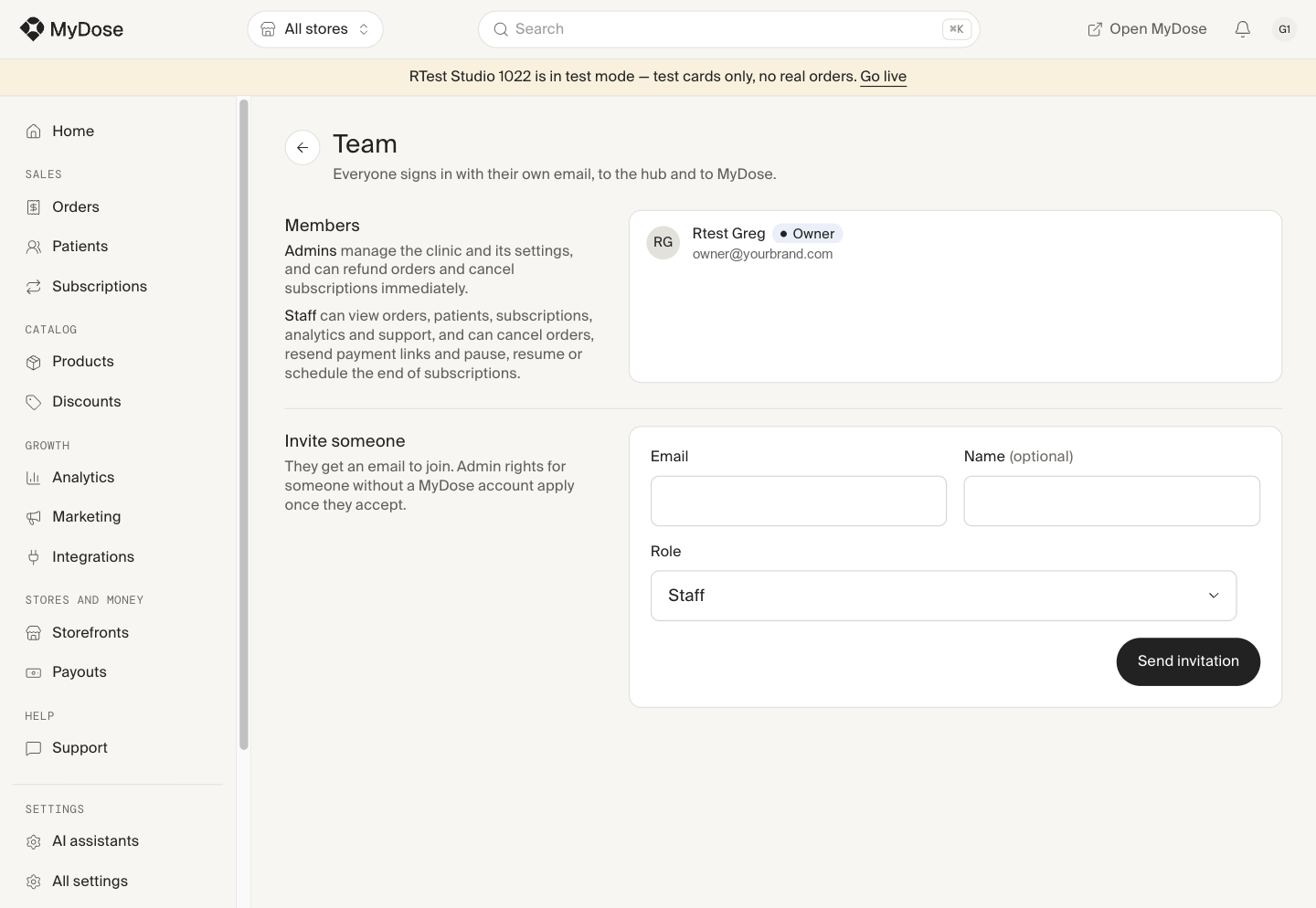
The Team page lists everyone with their role. Staff see a shorter sidebar with only the pages they may view.
What happens next
If you plan to let an AI assistant make changes, remember that writes need an Owner or Admin. See Build with an AI assistant.
Common problems
| Symptom | Fix |
|---|---|
| An invite never arrives | Check spam. Resend it from Team. |
| A teammate cannot see a page | Staff see only view pages. Raise their role if they need more. |
| A role change has not applied | Sign out and back in. |
| An editor cannot publish | Check their editor role under System > Roles. |
| Someone signed out unexpectedly | Sessions end after a period of inactivity. Sign in again. |
Do not share one login between people. Use separate invites so changes can be traced.
Medical services provided by independent licensed providers.