First-patient playbook
A two-week plan to get your first patient after you go live: where visitors come from and what to check.
Your store is live. This page is a simple plan for the first two weeks. It uses only tools Studio already gives you. Your plan does not start billing until your first patient, so you pay nothing while you work through this.
Before you start
Confirm these are done. Each links to its page.
- Your store is live, not in test mode. See Test mode and going live.
- Payouts are connected. See Payouts and fees.
- You placed a test order and followed it as a patient would.
- Your home page says plainly what you offer and who it is for. See Edit your store.
Pick one channel first
Do not try everything. Pick the channel where you already have attention.
| If you have | Start with |
|---|---|
| An email list | One email to your list |
| An Instagram, TikTok or YouTube audience | One post, with your store link in your bio |
| A practice, gym or studio | A QR code at the front desk |
| Paid ads budget | A general page for ads. See SEO and pages for ads |
The two-week plan
Day 1: set up your sharing
Open your storefront address from Storefronts. Copy it. Add it to your bio, email signature and website menu. See Theme, menus and templates.
Day 2: check your search titles
Set a clear title and description for your home page and each product page. See SEO and pages for ads.
Days 3 to 4: tell people
Send one short email or make one post. Keep it plain: who you are, what you offer, one link. No drug names and no results claims. See Compliance for brand owners.
Days 5 to 7: ask five people
Message five people who might want it. Ask one question: would this be useful to you? Send them your link only if the answer is yes.
Days 8 to 10: read what happened
Open Analytics and Orders. See which page people visited and where they stopped. Fix the page they left from.
Days 11 to 14: repeat what worked
Do more of the one channel that brought visitors. Add a second channel only when the first is steady.
What you will see
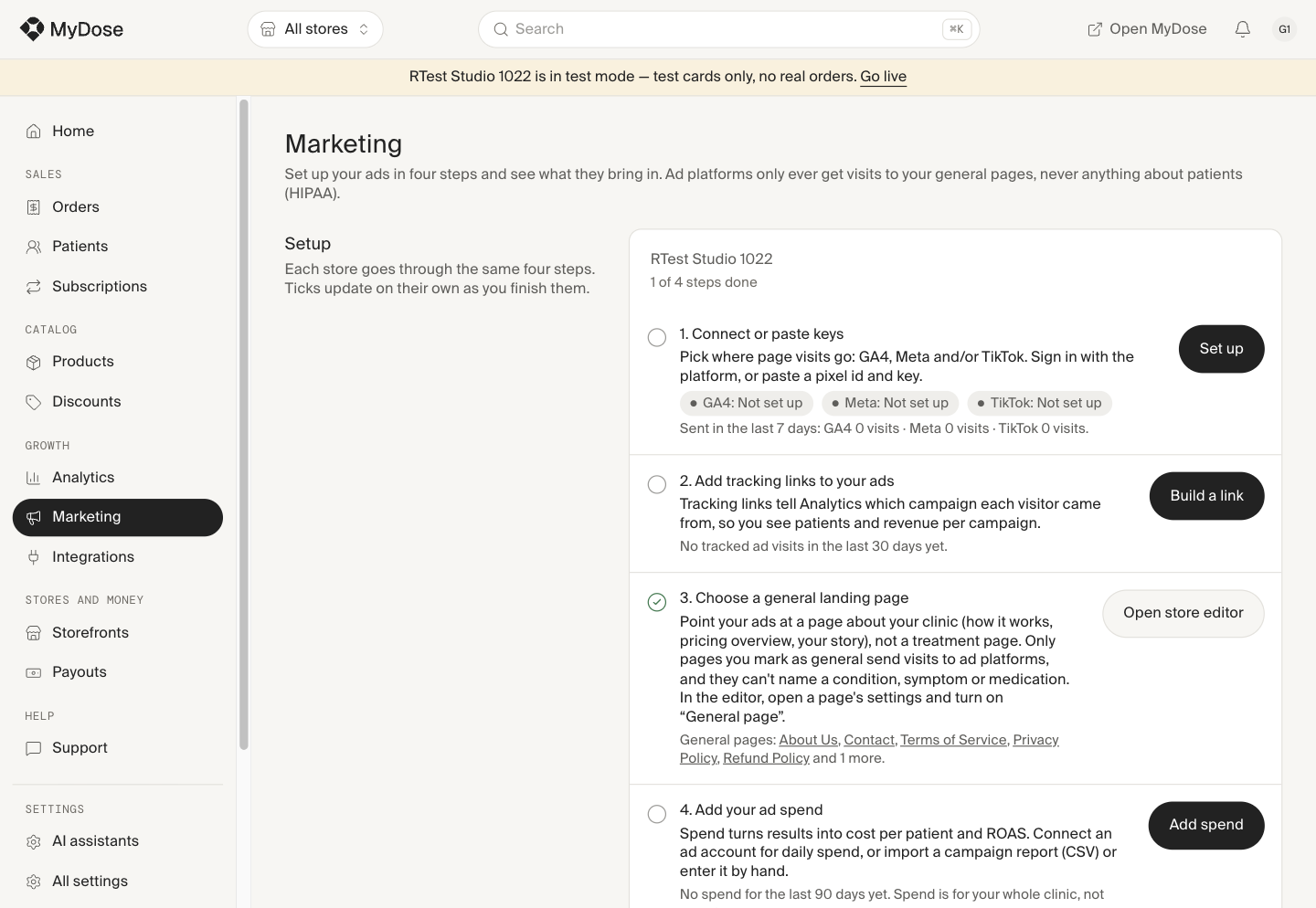
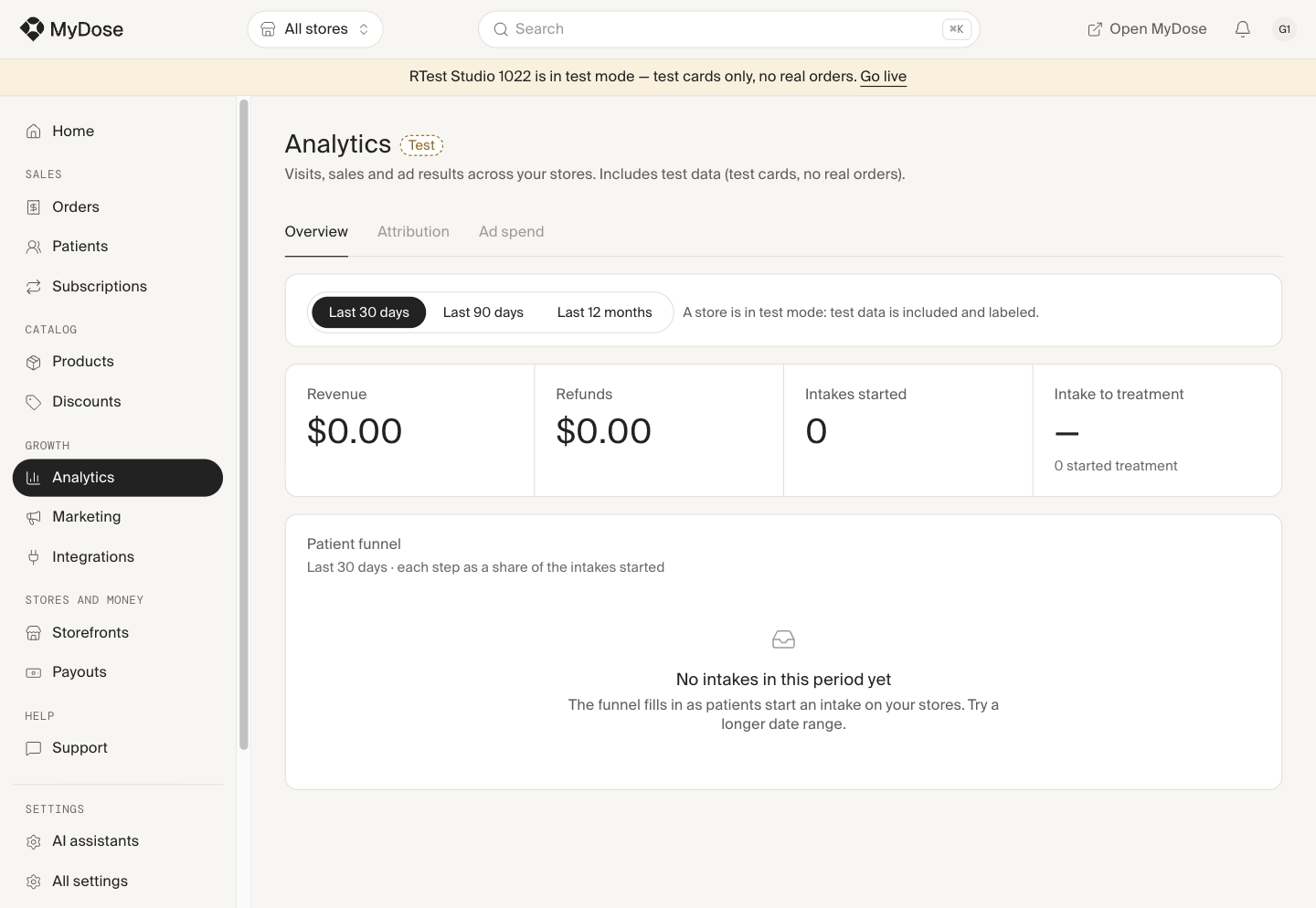
When a patient signs up, they appear under Patients and, after they buy, under Orders. You see order details your dashboard allows. Medical details stay with the providers. Non-medical questions show under Support. See Patients, orders and support.
What happens next
Your first live patient starts your plan: $499 a month with 50 active patients included, then $15 per active patient, taken from payouts. $0 until the first patient. See Billing and your plan.
Common problems
| Problem | Fix |
|---|---|
| Visitors but no sign-ups | Check your home page says what you offer in one line. Place one clear button |
| No visitors | You need a channel. Pick one from the table above and do it this week |
| A patient cannot check out | Test the full flow as a patient. See Troubleshooting |
| Unsure what you may say | See Compliance for brand owners |
Related
Studio quickstart · Billing and your plan · Studio FAQ
Examples are illustrative. Results vary and nothing here is a promise of patients or income. Medical services provided by independent licensed providers. Compounded medications are not FDA approved.