Your page
Launch builds your join page from your website. Pick a layout, set your colors and approve it.
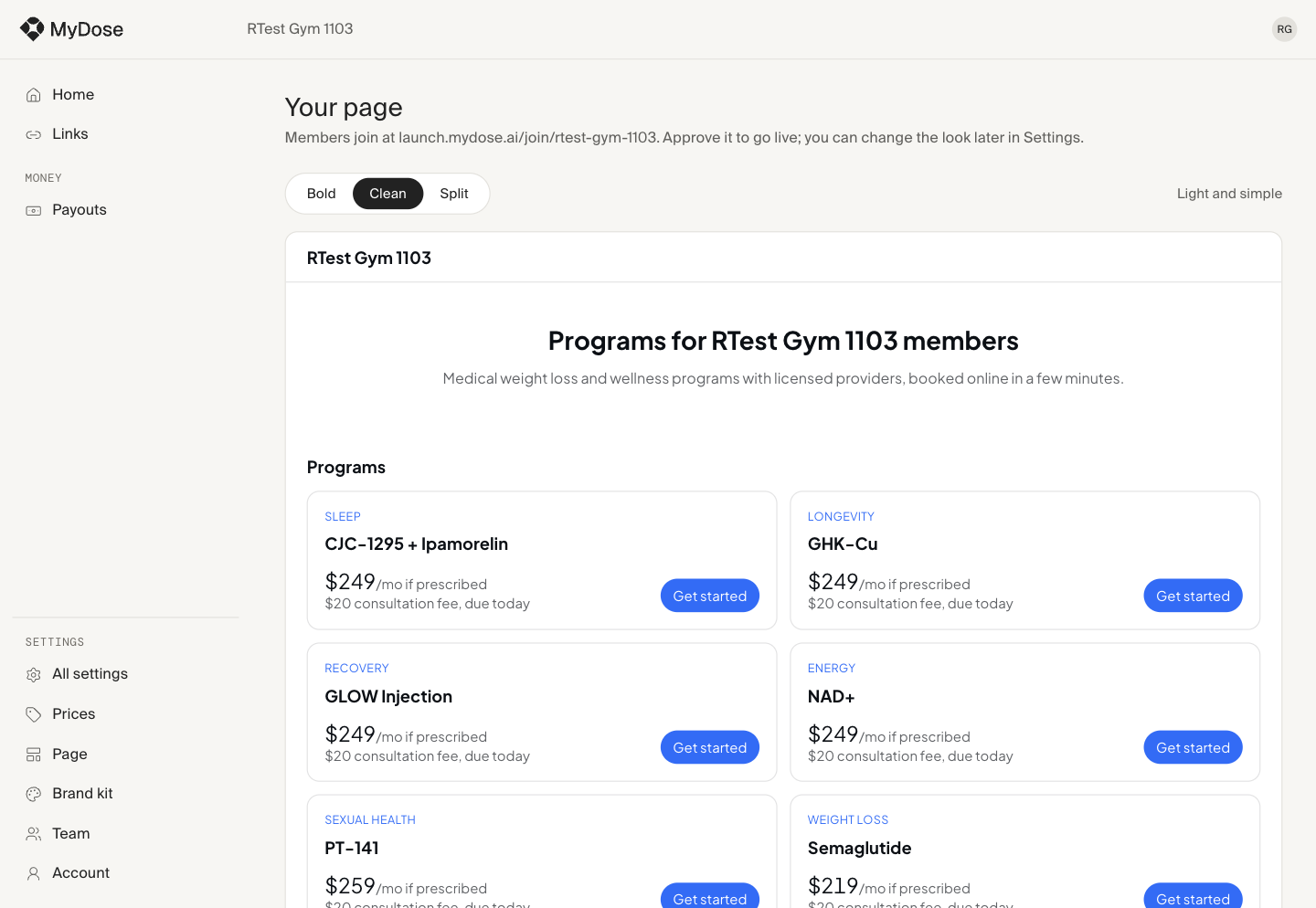
Your page is where members start. Launch builds it from your website and shows the MyDose programs with the monthly price members pay. Every link and QR code you create leads here.
Approve your page
Open Approve your page
On your dashboard Home, select Approve your page.
Pick a layout
Choose Bold (dark hero with your logo and color), Clean (light and simple) or Split (your logo on the left, programs on the right). A live preview shows each choice.
Check your logo and color
Confirm the logo and brand color look right. If your website colors came through wrong, change the brand color (hex) or upload a different logo.
Approve
Select approve. Your page and your links go live when you approve.
You will see: the checklist item Approve your page marked done on Home, and a public page at launch.mydose.ai/join/your-code.
What happens next
Your page is public as soon as you approve it. See Connect payouts and Members and active protocols.
Change it later
Open Settings > Page to change your layout, brand color (hex) or logo. Select Re-import logo and colors to read your website again. A live preview shows each change next to the page.
Brand kit
Settings > Brand kit sets the logo, colors and fonts for the MyDose patient portal your members use. It is separate from the color and logo on your join page, so a change in one does not change the other.
New programs
New programs MyDose offers appear on your page without any action from you.
Common problems
| Problem | Fix |
|---|---|
| Logo looks blurry or wrong | Upload a larger logo in Settings > Page, or select Re-import logo and colors |
| Colors do not match your brand | Enter your exact hex color in Settings > Page |
| A program is missing | Email support@mydose.ai |
| You want to change prices | Prices are set by MyDose and are read-only. See Programs and pricing |
Related
Links, QR codes and assets · Brand kit settings · Team and roles