Create your account
Sign up at launch.mydose.ai/start in four short steps and verify your email.
Your progress is saved, so you can stop and come back.
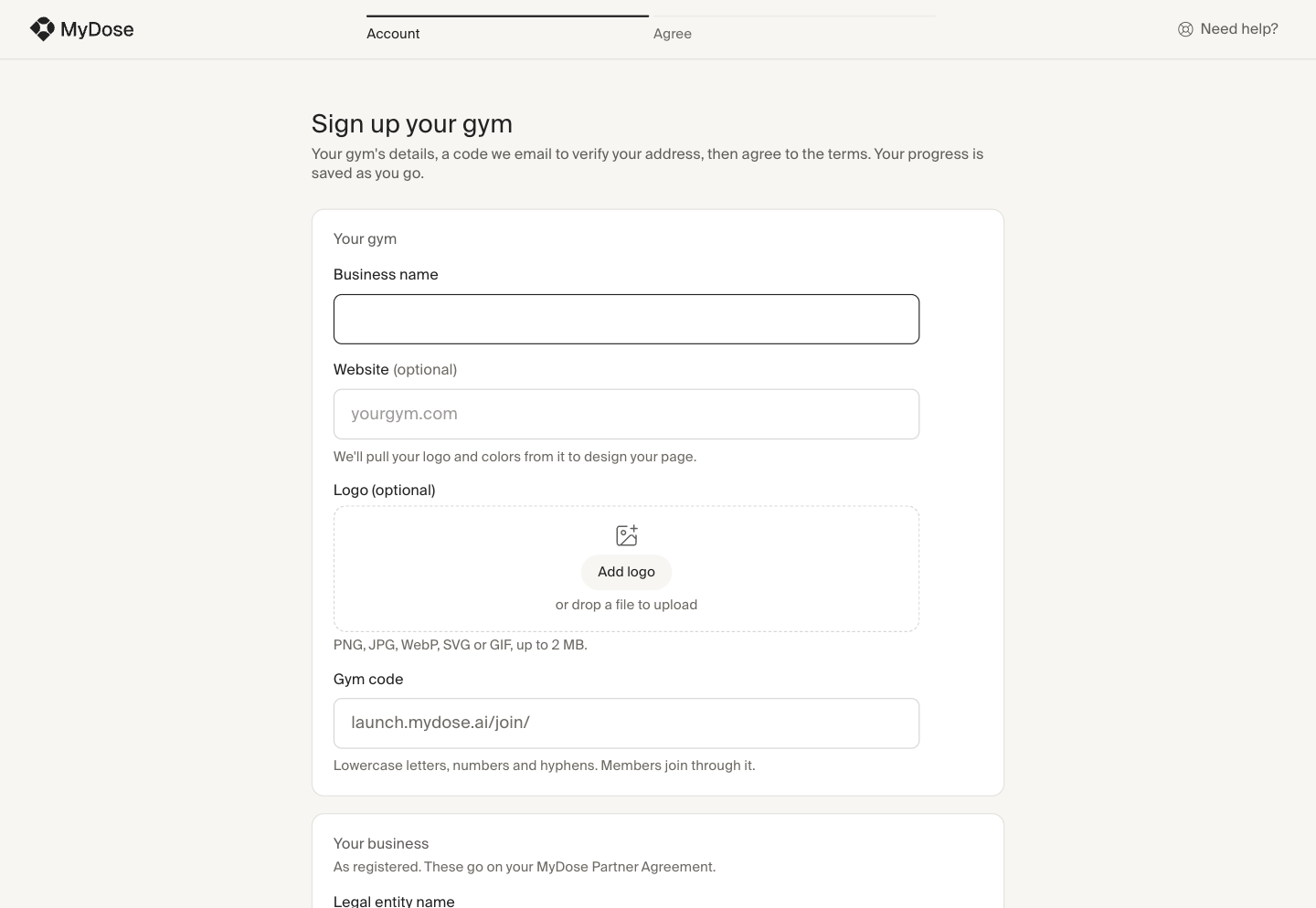
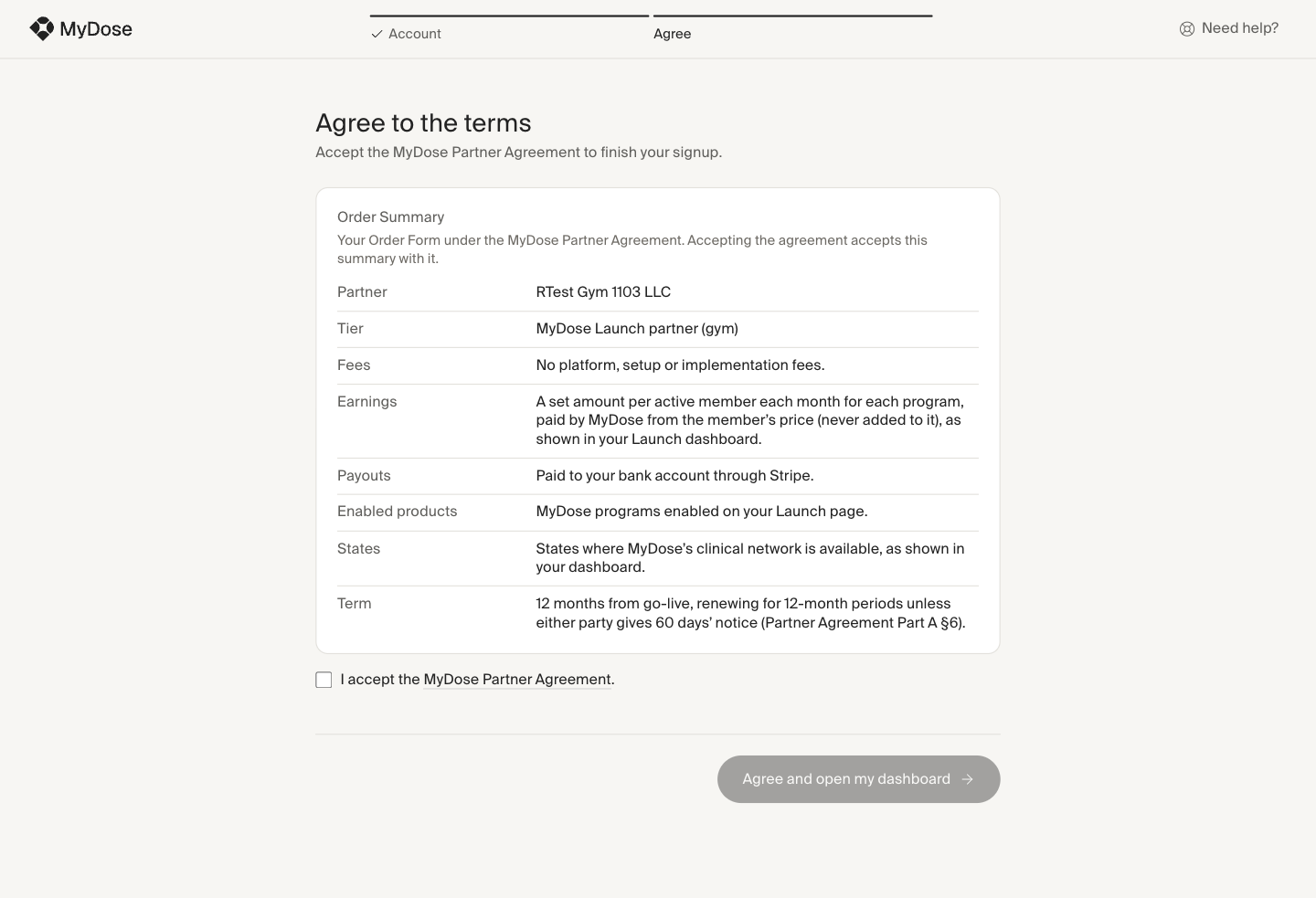
Before you start
Have these ready:
- Your business name.
- Your website address (optional) and logo (optional). Launch uses them to build your page.
- The email address of the person who will own the account.
- A short gym code in mind, for example
northside-fit.
Steps
Open the sign-up page
Go to launch.mydose.ai/start. If a MyDose rep sent you a link, use that link. The rep is then recorded on your account automatically.
Account
Enter your business name, your website (optional), your logo (optional), a gym code, your name, your email and a password.
Pick your gym code
The gym code is your short join address. Members will join at launch.mydose.ai/join/your-code. Launch checks live whether the code is available, so keep typing until it shows as free. Use lowercase letters, numbers and hyphens.
Verify your email
Enter the code sent to your email. Your account is created once you verify. Unfinished sign-up links stay valid for 7 days.
Agree to the terms
Read the Launch terms and accept them on behalf of your business. Only someone who can accept for the business should do this.
You will see: your dashboard open on Home, with a two-step checklist: Approve your page and Set up payouts.
What happens next
You do not need to wait for anything. Go straight to Your page, then Connect payouts.
Common problems
| Problem | Fix |
|---|---|
| The code email does not arrive | Check spam. Go back to the sign-up screen and request a new code |
| Your gym code is taken | Choose another. The screen checks as you type |
| The sign-up link has expired | Links last 7 days. Start again at launch.mydose.ai/start |
| You typed the wrong email | Start again with the right address. Email support@mydose.ai if you are stuck |